
Shopping online this Christmas? Here’s what you need to know to stay safe

Mikala Johnson / Our Today

Christmas is only a few days away and for some individuals their last-minute shopping and gift purchasing will be done online.
Online shopping is becoming a more popular option as people have found out they can avoid high shipping costs, use promo codes for discounts, and avoid crowds and long lines as well as a host of other reasons.
This is especially the case during the Christmas season as many companies offer very special deals to encourage online shopping.

Do you have plans to shop online this holiday season? There are some great tips to help you stay safe when shopping online, and while nothing is going to completely eliminate threats that are out there, you can still be more confident as you check out those special deals only found with online outlets.
Our Today spoke with Dwayne Brown, senior manager – Cybersecurity at The Jamaica National Group, who shared some essential online shopping cybersecurity tips to keep you safe while shopping online this Christmas season.
If you will be making your purchases from the comfort of your home, Brown urges you to be cautious when making payments.
One way you can steer clear of possible threats out there is to not deal with unfamiliar websites that you see. Even if there is a very enticing deal, you might want to just look the other way.
The major problem is that cybercriminals are targeting online retailers and shoppers because a lot more people are taking their shopping online.
When you’re getting ready to check out with a company online, do you make sure that the website is using Secure Sockets Layer (SSL)?
Yes, no? Well, the only thing you have to do to be sure that this is the case is to keep an eye out for the image of the lock that shows up in the top left-hand corner of the browser.
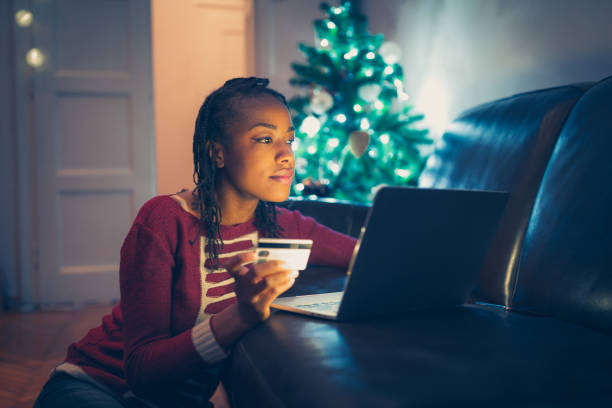
This is only one of the many precautions you can take to protect your finances while shopping online.
Here are some tips Brown shared with Our Today that you should always consider when shopping online.
- Be careful of gift card emails and emails claiming deals – if it is too good to be true it probably isn’t.
- Be careful of the retailer/ seller – always do some research on the retailer before making a purchase. Platforms like Amazon actually allows shoppers to see the rank of sellers’ reliability.
- Use a secure payment channel – ensure that the URL contains https at all times.
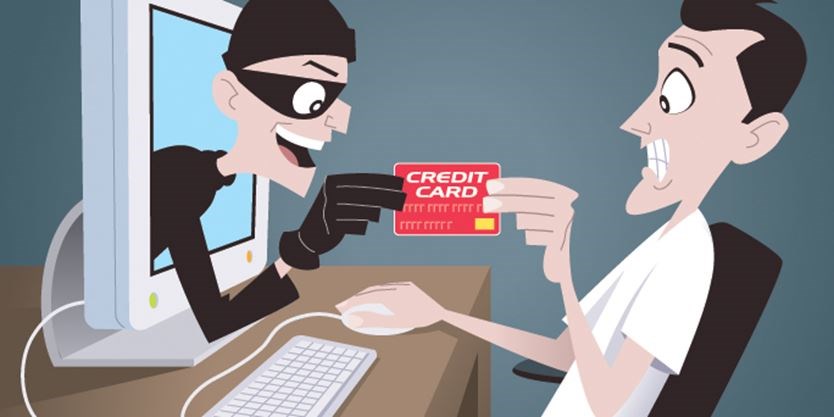
- Use a credit card instead of a debit card to make payments – with a credit card you have the ability to go through a dispute process versus a debit card where the money is coming straight from your account.
- Use multifactor authentication combined with strong password for your accounts where possible.
- Do not use public Wi-Fi – avoid using public Wi-Fi to shop online because unscrupulous persons could actually set up Wi-Fi and intercept your traffic and communication between you and the retailer.
- Ensure your computer operating system, browser and antivirus software have been updated.
Brown also provided tips on how to use the ATM, especially during the holiday period.
- Check the machine before you use it – This means before inserting your card or PIN you should examine the machine to see if anything looks out of place.
Check to see if the keypad looks new, Brown said once you are using an ATM you should push on the keypad to see if it is lifting or shifting out of place.
Tug at the section where you’d insert your card to see if it is moving or any fake apparatus is over the card reader.

- Consider using machines in well-lit and busy areas, especially at night.
- Protect your PIN, always cover the keypad whenever you are inserting your PIN. You should never write down your pin or share it with anyone.
- Be careful of accepting help from strangers while using the ATM.
- Travel with company whenever you are using the ATM, especially during this time of the year.
- Put away cash as soon as you have completed your transaction. Do not exit the ATM with cash in your hands!
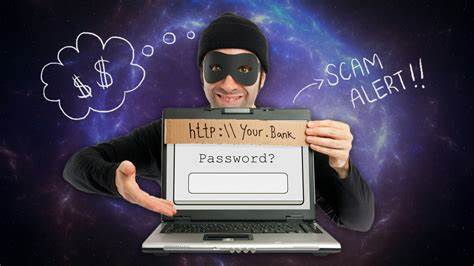
The cyber security expert is encouraging shoppers to think before they act. He said once you’ve realised that you’ve been scammed, you should immediately contact the bank.
Also, if the scam involves credentials for your email, you should change them immediately as well.
- send feedback to: [email protected]






Comments